EnvKit: A Local Laravel Development Environment in One App for Windows and macOS
EnvKit bundles the web server, PHP, databases, and trusted HTTPS into one app for Windows and macOS. A practical look at its features, usage examples, and a fair comparison with Herd and Laragon.
Every PHP developer knows a painful ritual well: setting up the local development environment. Installing a web server, then a PHP version (or several for different projects), then a database, then wrestling with local HTTPS certificates and the hosts file, then setting up a mail catcher for testing. Hours wasted before writing a single line of code. EnvKit, which recently entered its public beta, promises to swallow this entire ritual into a single desktop app for Windows and macOS. Let's see what it actually offers, and where it stands among its competitors.
The Core Idea: One Control Panel Instead of Installer Chaos
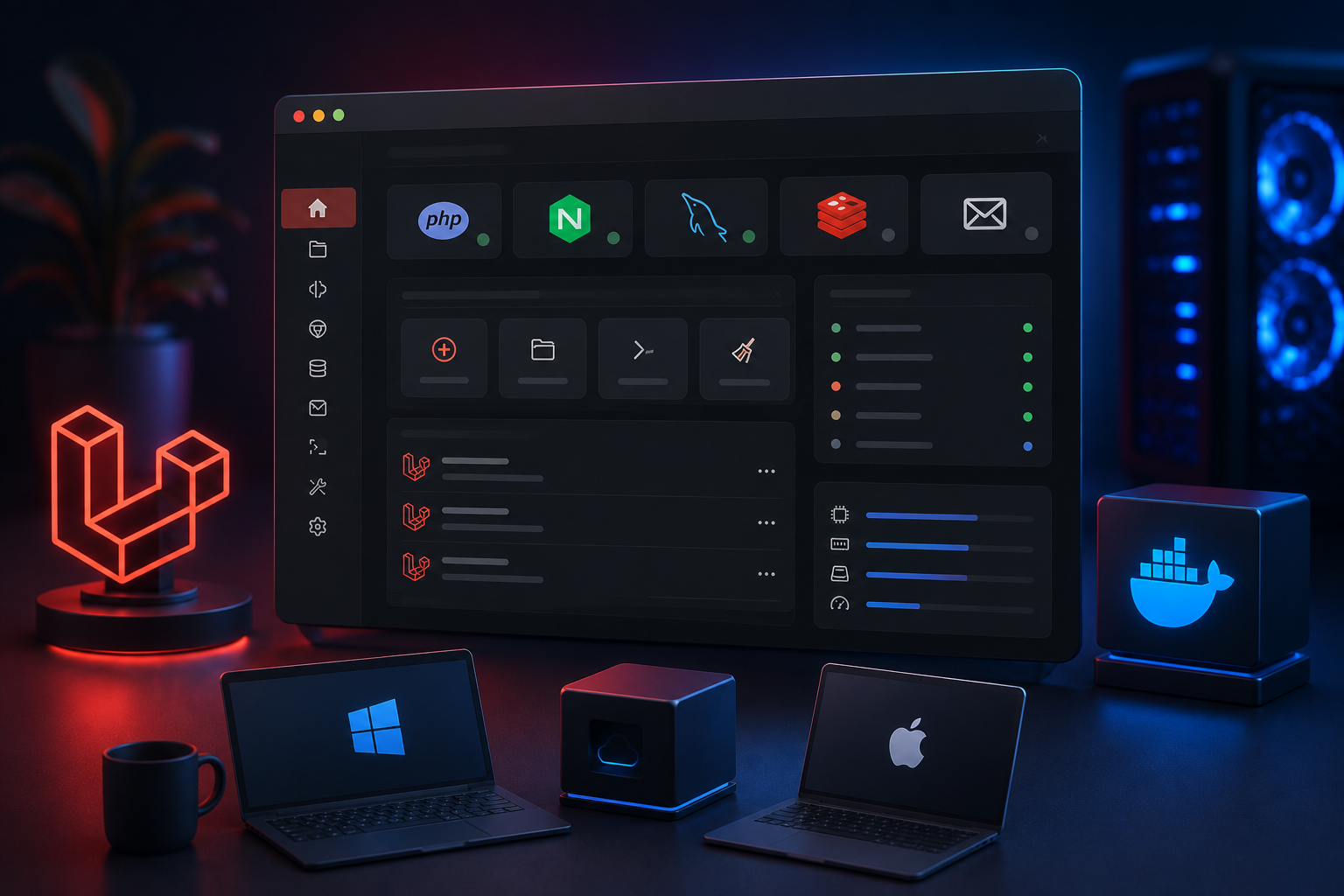
Instead of installing each service separately and configuring it manually, EnvKit runs the whole stack behind a single app that manages each site's configuration for you. It describes itself as an alternative to tools like Laragon and XAMPP, and can even import existing Laragon projects without changes. The bundle includes what a typical Laravel project needs: a web server (nginx or Apache, a notable choice since it offers both), PHP versions from 7.4 to the latest isolated per project, databases (MySQL/MariaDB, PostgreSQL, MongoDB, and Redis), Mailpit for catching outgoing mail locally, Node servers for frameworks like React and Next.js, and most importantly .test domains with locally trusted HTTPS certificates.
What Actually Distinguishes It: Laravel-Specific Details
What raises EnvKit above being an ordinary "bundle of services" is its attention to the Laravel ecosystem's details. It includes Laravel Reverb ready for WebSocket work, cron job management, and most importantly: live preview of dumps, queries, and job queues. In practice, this means you intercept dump() and dd() calls, catch N+1 and slow-query problems, and monitor mail, events, jobs, and outgoing requests as they stream — scoped per site and per git branch. A diagnostic tool like this built into the environment itself saves the developer from installing separate packages for each purpose.
The New Dimension: AI Control via MCP
The most recent feature is a built-in MCP server (Model Context Protocol). In practice, this lets the AI assistant in your editor read the stack state and run diagnostics without you leaving for the app. The tool describes it as "automatic fixing" of common configuration problems: your assistant can control services, sites, and diagnostics directly. This addition reflects the 2026 trend toward integrating agents into every layer of the workflow, though its actual value depends on how mature the integration is in daily use.
A Practical Example: From Install to a Working Site
The typical workflow condenses into three steps. First, you install the app via a single installer (for Windows, or a script for macOS):
# On macOS: install via the official script
curl -fsSL https://raw.githubusercontent.com/Env-Kit/envkit-releases/main/install.sh | bash
Second, you add a site: create a new Laravel app, clone from git, link an existing folder, or import Laragon projects in bulk. Third, you open app.test, the services start, and HTTPS is trusted automatically. To control the PHP version per project, the usual pattern is a file in the project root:
# Example: pinning a PHP version for a specific project
# (managed from the EnvKit interface per site)
myapp.test   →  PHP 8.3
legacy.test  →  PHP 7.4
And to run Reverb for WebSocket work beside PHP-FPM, Redis, and queues, the usual command runs within the same unified environment:
php artisan reverb:start
# routed over trusted HTTPS at app.test:8080
Where Does It Stand Among Competitors? A Fair Comparison
The closest direct competitor is Laravel Herd (from Beyond Code in partnership with Laravel). The fundamental difference is in scope and cost: EnvKit offers all its features for free (including databases, Mailpit, and the log viewer), while Herd places database and mail services in a paid Pro tier ($99 a year). In return, Herd has a maturity EnvKit lacks: it is a native app that does not rely on Electron, supports both Intel and Apple Silicon, and is an established product past the testing phase. EnvKit is broader for free but still in beta, and its macOS support is limited to Apple Silicon. Against XAMPP and Laragon, EnvKit excels with per-site PHP isolation, trusted HTTPS, and broader database and Node support.
Points Worth Noting Before Adoption
Honesty requires mentioning the caveats. First, EnvKit is in beta (the version at the time of writing carries a beta suffix), meaning possible instability — it may not suit someone wanting a fully proven tool for critical work. Second, the tool is proprietary, not open source, though free with no account. Third, being built on Electron means a higher memory footprint than a native app. The practical rule: try it on a side project first, and assess its stability in your workflow before moving your critical projects to it. For the developer starting a new project, or suffering their current environment's chaos, EnvKit is worth trying today — provided you keep its beta stage in mind, adopting it because it solves a real problem for you, not merely for its novelty.
Was this article helpful?
Newsletter
Enjoyed this?
Subscribe and get every new article and news post straight to your inbox.